No image editing
Prompts are built to produce finished vertical graphics.
Use Clickcomer to generate copy-ready prompts that tell ChatGPT exactly how to create bold, premium, save-worthy infographic graphics. No Canva marathon, no layout guesswork, no design skills required.
Prompts are built to produce finished vertical graphics.
Works as a copy-and-paste workflow with ChatGPT.
Start with a keyword, topic, pain point, or offer.
Most creators and marketers know infographics work. They are easier to save, easier to share, and easier to understand than another plain text post.
The problem is the process. You need an idea, a structure, a headline, layout instincts, copy that fits, visual hierarchy, and enough patience to drag boxes around until everything looks decent.
Instant Infographics flips that workflow. Instead of starting with a blank canvas, you start with a proven prompt style. Enter a keyword or offer, copy the prompt, paste it into ChatGPT, and let the prompt do the creative direction for you.
The prompts are structured around proven infographic formats: roadmaps, checklists, decision trees, myths, cheat sheets, matrices, survival guides, and more. Each one gives ChatGPT the role, layout, hierarchy, copy style, and visual direction.
Turn weight loss, affiliate marketing, ADHD burnout, YouTube growth, coaching, or almost any topic into ready-to-use infographic prompts.
Use the ads workflow to turn sales pages, lead magnets, courses, ebooks, SaaS, or affiliate offers into visual promo angles.
Copy a structured prompt, open ChatGPT, and generate a finished vertical infographic without moving boxes around in a design editor.
Start with a niche, pain point, topic, product, or sales-page angle.
Choose a light or dark direction and optionally add your website, handle, or footer CTA.
Use one of the built-in prompt styles and let ChatGPT create the finished graphic.
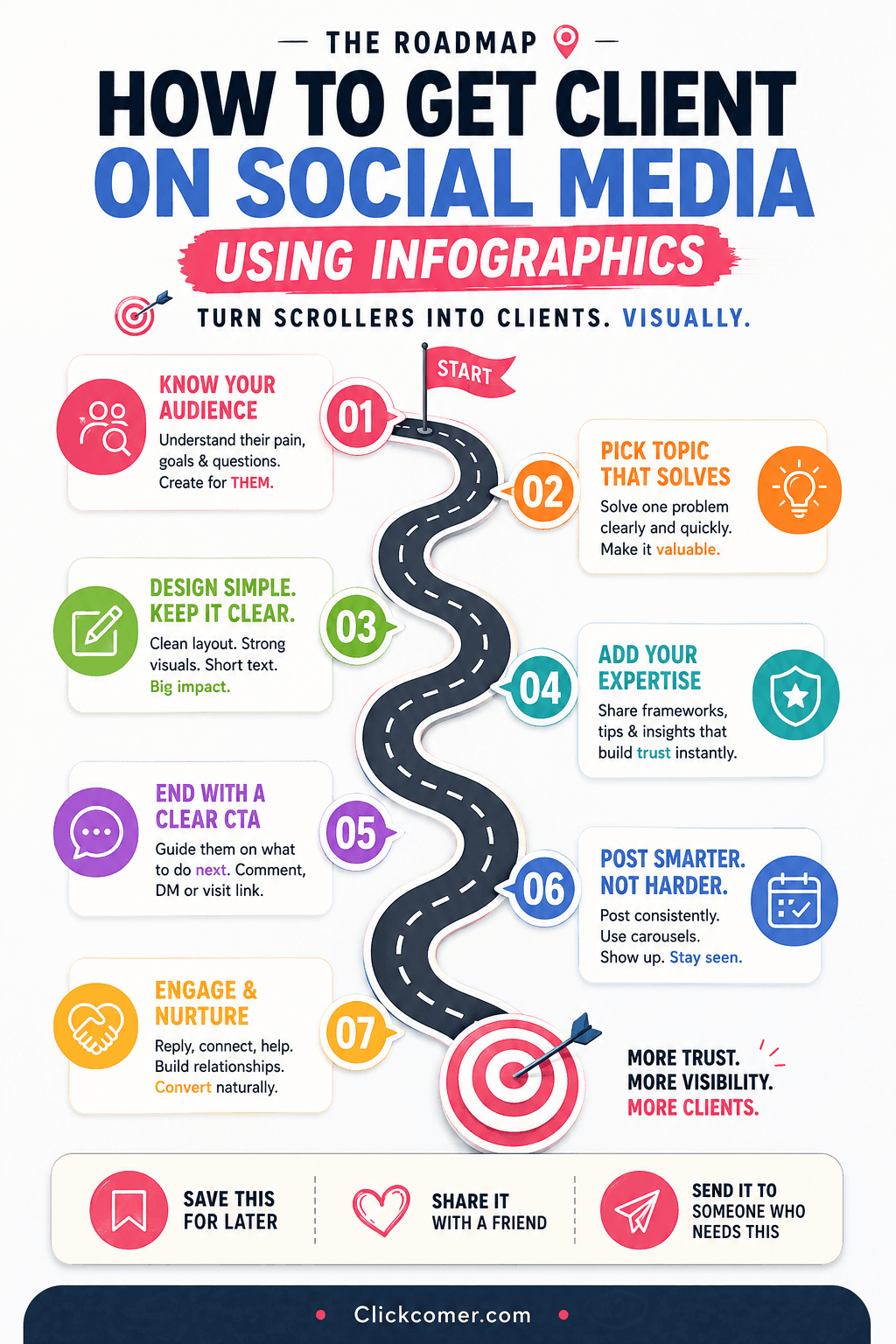
These are examples of the instant infographic styles you can generate from a single topic, keyword, niche, or pain point.
01020304050607080910Instant Infographics handles broad niche and topic graphics. Instant Infographic Ads handles offer-specific marketing graphics. Together, they cover content posts and promotional campaigns.
Each prompt is built to be pasted directly into ChatGPT.
Prompts include hierarchy, layout, format, and style guidance.
The goal is the actual infographic image, not a strategy outline.
No. The workflow is prompt-first. You choose a topic or offer, copy the generated prompt, and use ChatGPT to create the finished infographic.
Use it for social posts, affiliate promos, lead magnets, course graphics, ebook marketing, blog visuals, Pinterest posts, and short-form content support.
Yes. The bundle includes a separate ad-style workflow designed around offer-specific infographic prompts.
Yes. Add a website, handle, channel, or short call-to-action and the prompt will include it as a subtle footer instruction.
Give Clickcomer a topic or offer, choose a style, and turn plain ideas into visual content built to stop the scroll.
Get Instant AccessUse Clickcomer to generate copy-ready prompts that tell ChatGPT exactly how to create bold, premium, save-worthy infographic graphics. No Canva marathon, no layout guesswork, no design skills required.
Prompts are built to produce finished vertical graphics.
Works as a copy-and-paste workflow with ChatGPT.
Start with a keyword, topic, pain point, or offer.
Most creators and marketers know infographics work. They are easier to save, easier to share, and easier to understand than another plain text post.
The problem is the process. You need an idea, a structure, a headline, layout instincts, copy that fits, visual hierarchy, and enough patience to drag boxes around until everything looks decent.
Instant Infographics flips that workflow. Instead of starting with a blank canvas, you start with a proven prompt style. Enter a keyword or offer, copy the prompt, paste it into ChatGPT, and let the prompt do the creative direction for you.
The prompts are structured around proven infographic formats: roadmaps, checklists, decision trees, myths, cheat sheets, matrices, survival guides, and more. Each one gives ChatGPT the role, layout, hierarchy, copy style, and visual direction.
Turn weight loss, affiliate marketing, ADHD burnout, YouTube growth, coaching, or almost any topic into ready-to-use infographic prompts.
Use the ads workflow to turn sales pages, lead magnets, courses, ebooks, SaaS, or affiliate offers into visual promo angles.
Copy a structured prompt, open ChatGPT, and generate a finished vertical infographic without moving boxes around in a design editor.
Start with a niche, pain point, topic, product, or sales-page angle.
Choose a light or dark direction and optionally add your website, handle, or footer CTA.
Use one of the built-in prompt styles and let ChatGPT create the finished graphic.
These are examples of the instant infographic styles you can generate from a single topic, keyword, niche, or pain point.
01020304050607080910Instant Infographics handles broad niche and topic graphics. Instant Infographic Ads handles offer-specific marketing graphics. Together, they cover content posts and promotional campaigns.
Each prompt is built to be pasted directly into ChatGPT.
Prompts include hierarchy, layout, format, and style guidance.
The goal is the actual infographic image, not a strategy outline.
No. The workflow is prompt-first. You choose a topic or offer, copy the generated prompt, and use ChatGPT to create the finished infographic.
Use it for social posts, affiliate promos, lead magnets, course graphics, ebook marketing, blog visuals, Pinterest posts, and short-form content support.
Yes. The bundle includes a separate ad-style workflow designed around offer-specific infographic prompts.
Yes. Add a website, handle, channel, or short call-to-action and the prompt will include it as a subtle footer instruction.
Give Clickcomer a topic or offer, choose a style, and turn plain ideas into visual content built to stop the scroll.
Get Instant Access